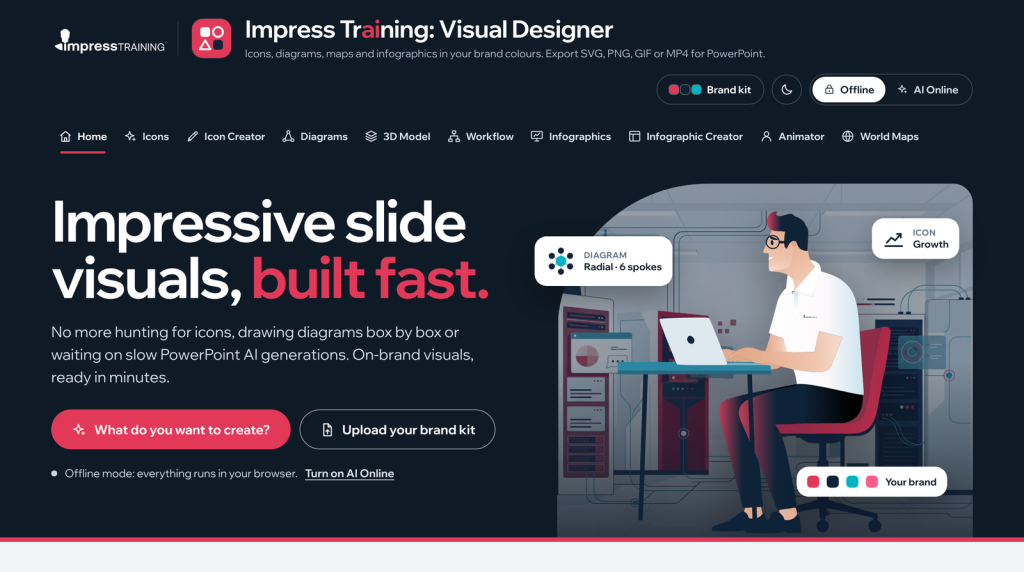
Impress Training launches Visual Designer
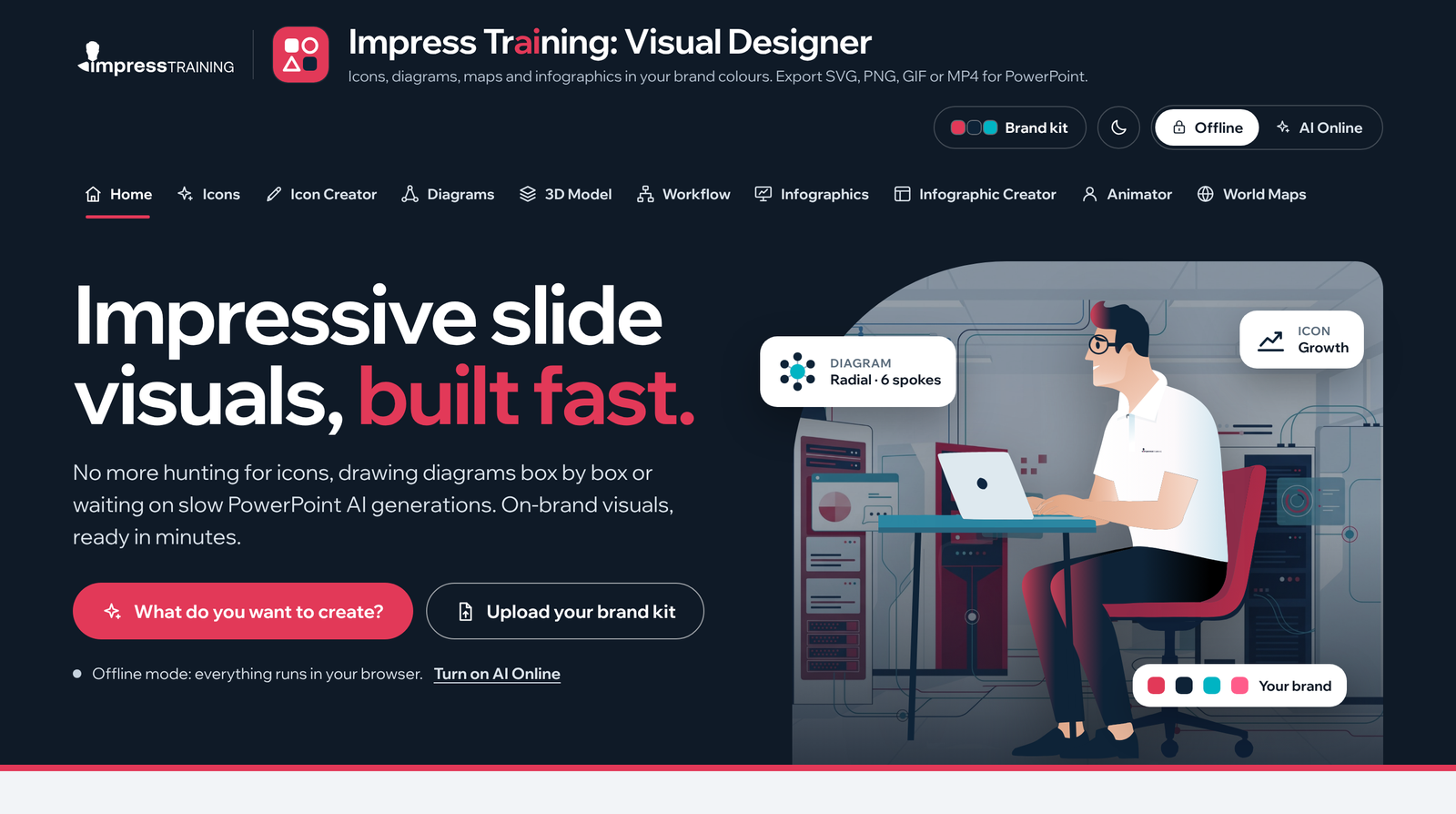
A new browser app gives business presenters icons, diagrams, 3D scenes, flowcharts, animations and maps in their own brand colours, ready for PowerPoint, and nothing leaves their laptop.
Impress Training has launched Visual Designer, a visual toolkit for professionals who build business presentations. It tackles the hours lost to the same three jobs: hunting for icons that match, drawing diagrams box by box, and waiting on AI tools to generate something close to on-brand.
Visual Designer puts the visuals a deck needs in one place, drawn in one consistent style and recoloured to your brand in seconds. It grew out of Impress Training's PowerPoint and presentation courses, where participants kept asking the same question: where do I get visuals that look this good?
Want to jump straight to it! click Here
Ten tools, one style
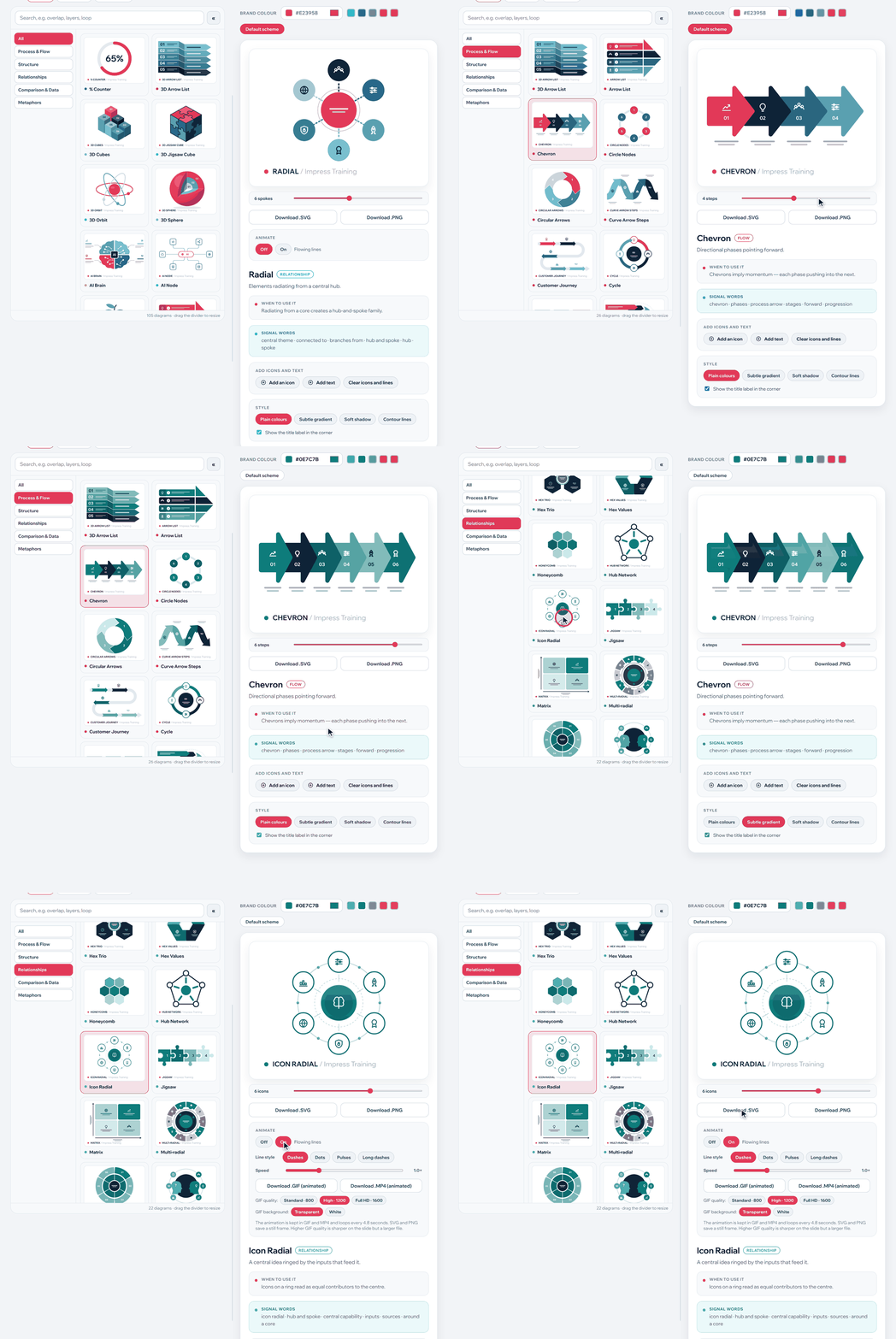
Diagrams that build themselves. 105 presentation diagrams in five families. Drag a slider and the diagram rebuilds with the number of parts you need; a Message-to-Diagram Analyser reads your slide's point and recommends the shape that proves it.
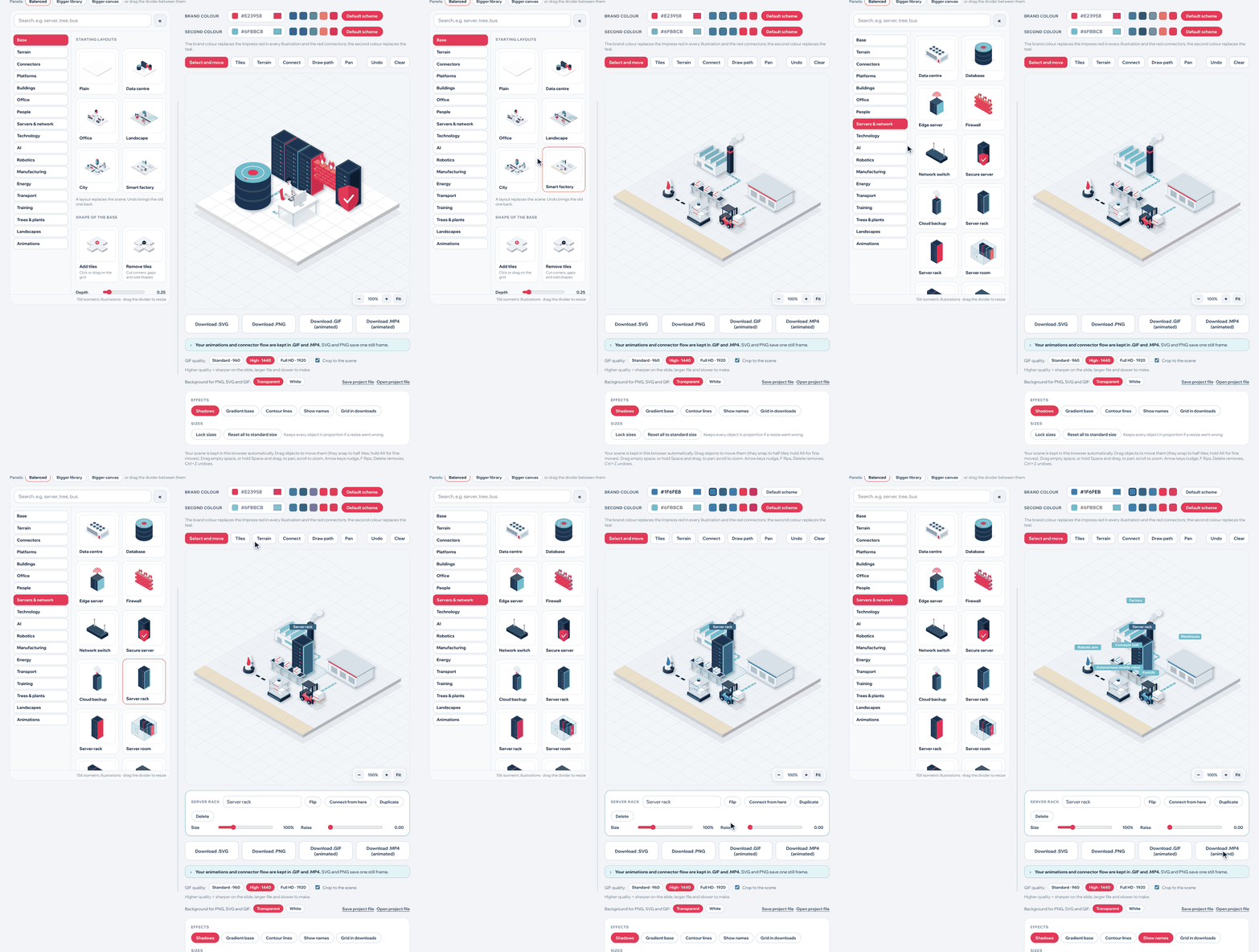
3D without 3D software
Build isometric scenes of factories, data centres and offices from 156 illustrations, then link them with connectors that flow in the exported GIF or MP4.
Flowcharts in a few clicks.
Swimlanes, process flows, hierarchies, cycles and project timelines with snapping shapes and animated connector lines. Export SVG and keep editing as shapes in PowerPoint.
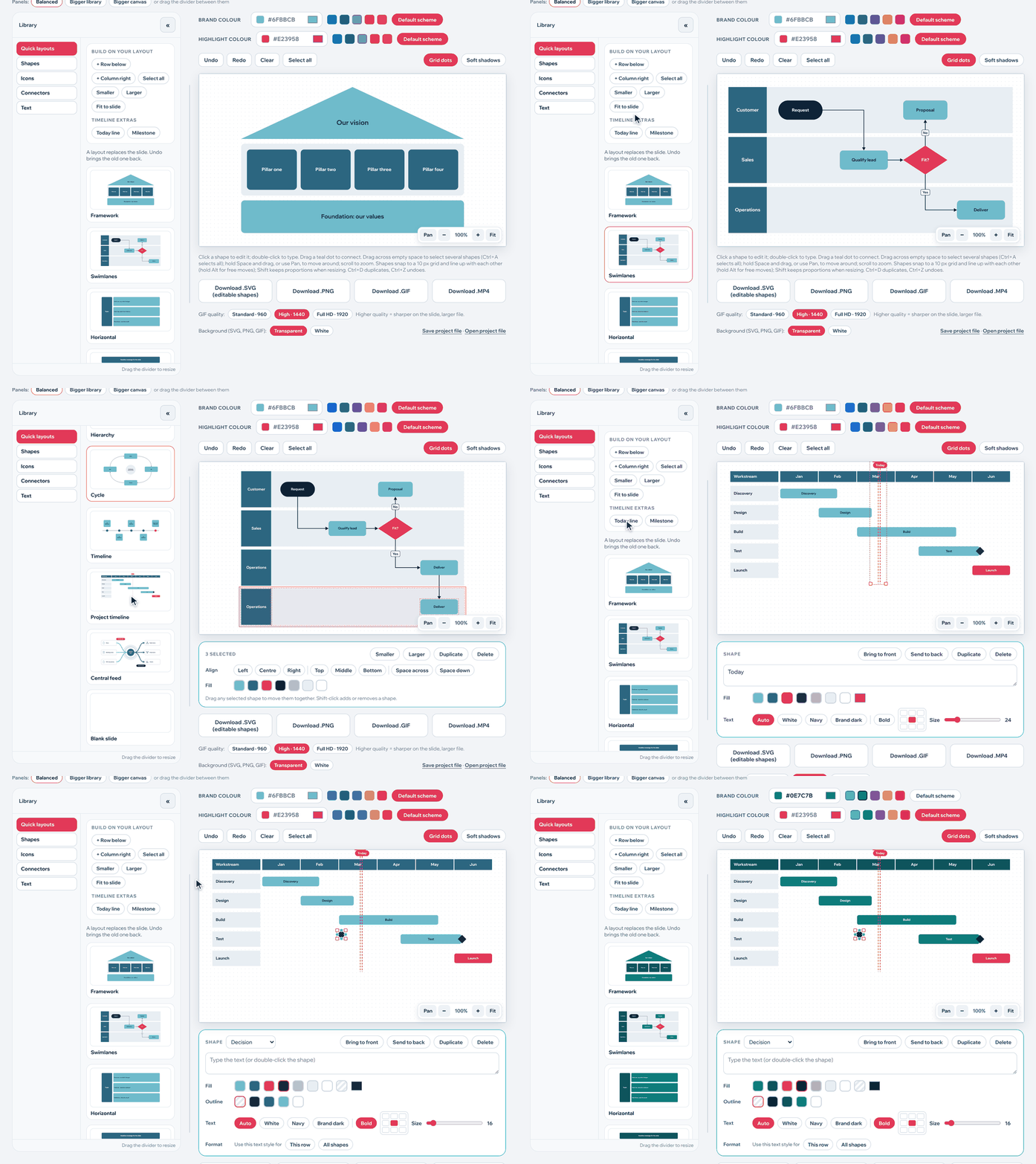
Also inside: 487 single-line icons with 17 loop animations, an Icon Creator that draws icons from a description, 98 illustrations layered in an Infographic Creator, and world and country maps from open data.
Why it's different
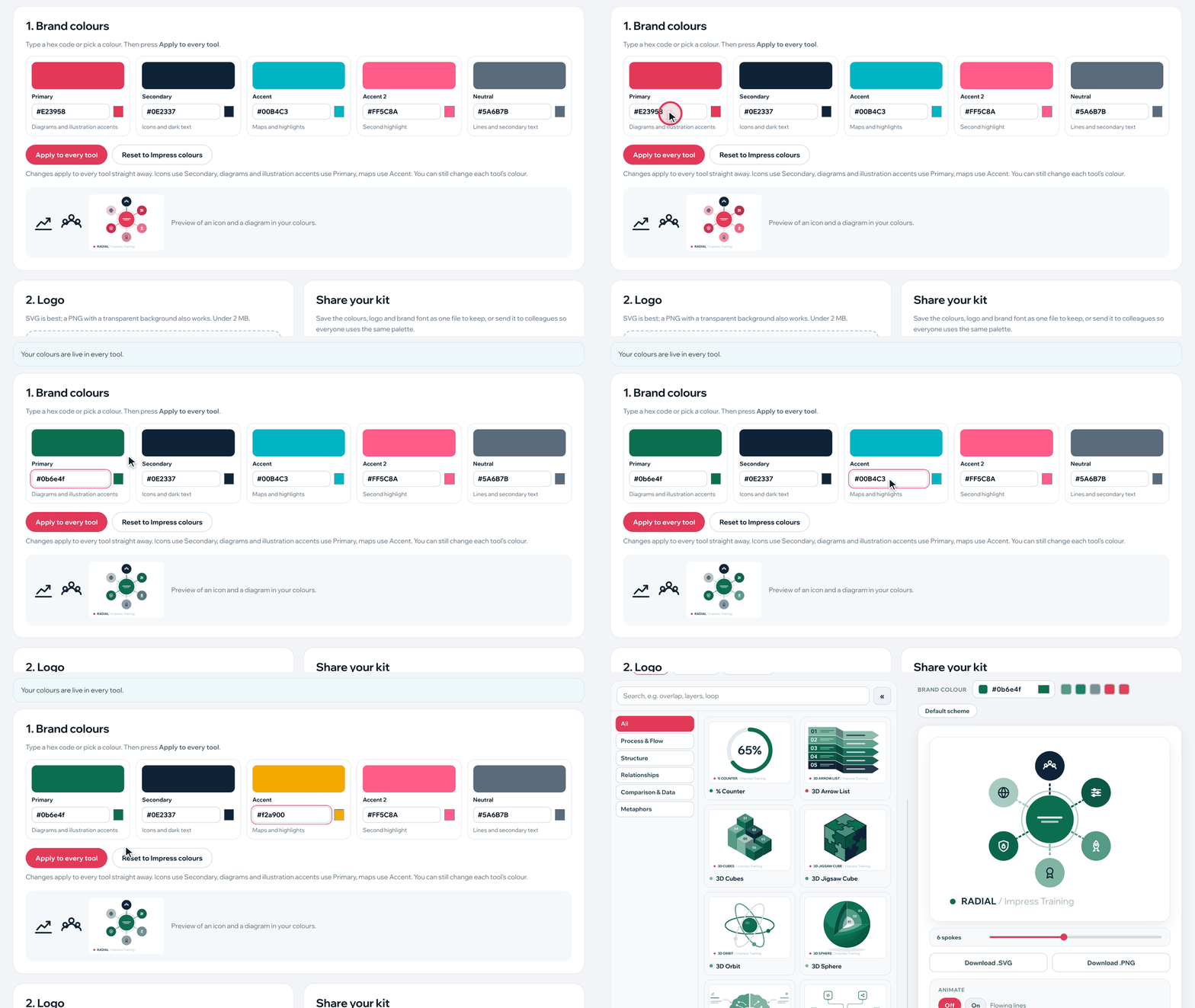
- • Your brand, everywhere. Enter five brand colours once and every icon, diagram, scene and map switches at once. Share the kit as one file so the whole team works in the same palette.
- • Private by design. Everything runs in the browser, and the downloaded copy works fully offline. Nothing you type or upload is sent anywhere, which suits confidential client work.
- • No waiting on AI. Visuals are ready the moment you open the app. AI features are optional, run on your own Claude account, and send nothing until you press an AI button.
- • Made for PowerPoint. SVG for crisp, editable shapes; PNG for anything; GIF and MP4 for motion.
Availability
Visual Designer is included with Impress Training's PowerPoint and presentation courses, and is available here for USD$10.
For course information, please click Here
Email us at: mail@impresstraining.com
Or call us at: +65 6636 9772
Or Whatsapp us at: +65 8221 5898


Subscribe for weekly updates!
Join us today and keep updated with the latest industry trends, news and knowledges!
Enter your email address
Newsletter Homepage

The AI skill your Team is missing – and it isn’t Prompting!